Python/Dart/JS With C++ Interop
The idea
I needed to render effects, written in C++ by the WLED maintainers, in a variety of other languages:
JavaScript, For use in my WLED Effect Editor and Effect Database in my website at wled.buylumen.com
Dart, for use specifically in my Flutter app
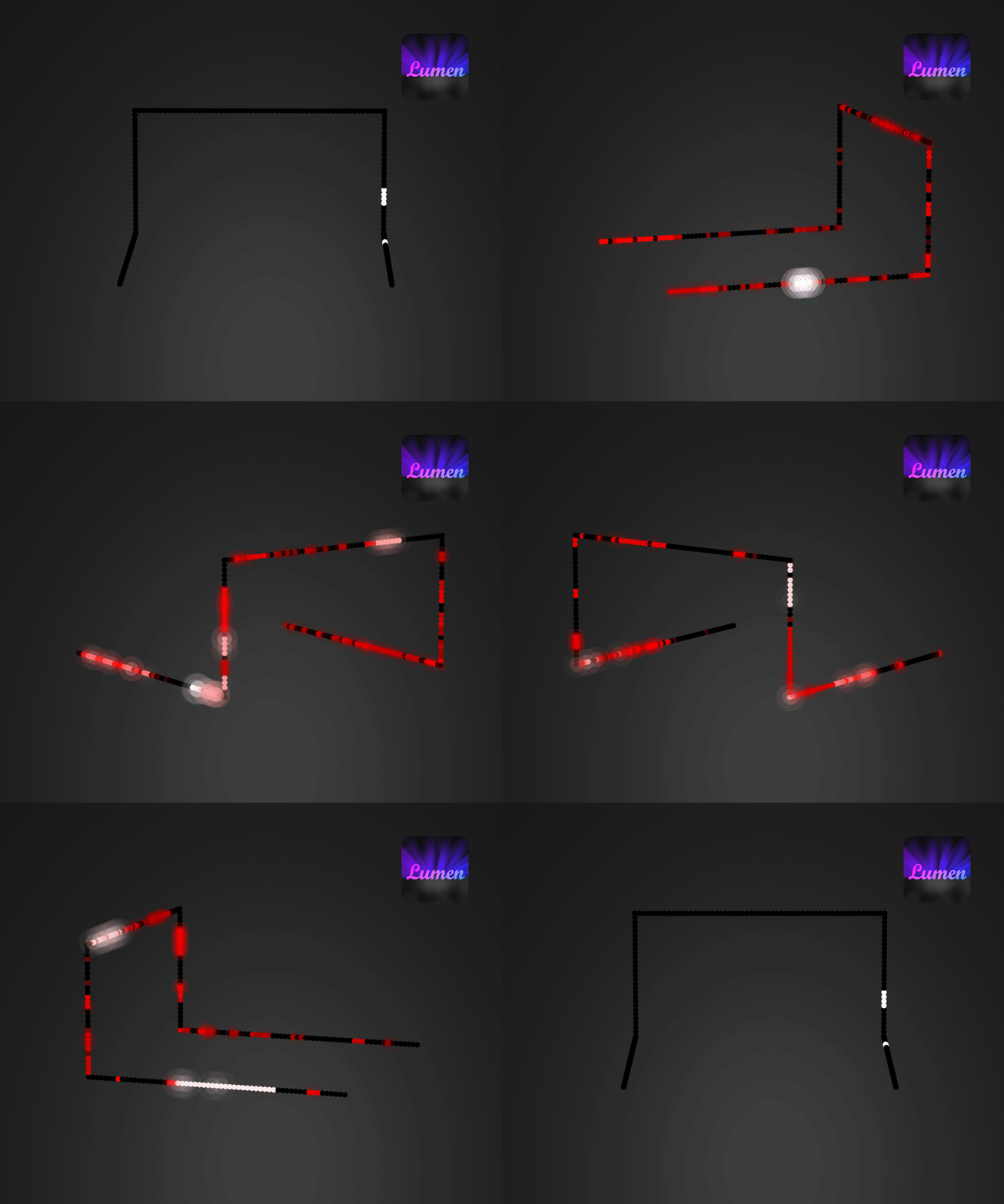
Python, for Google Cloud functions to generate users' setups as GIFs such as the ones below:
Python
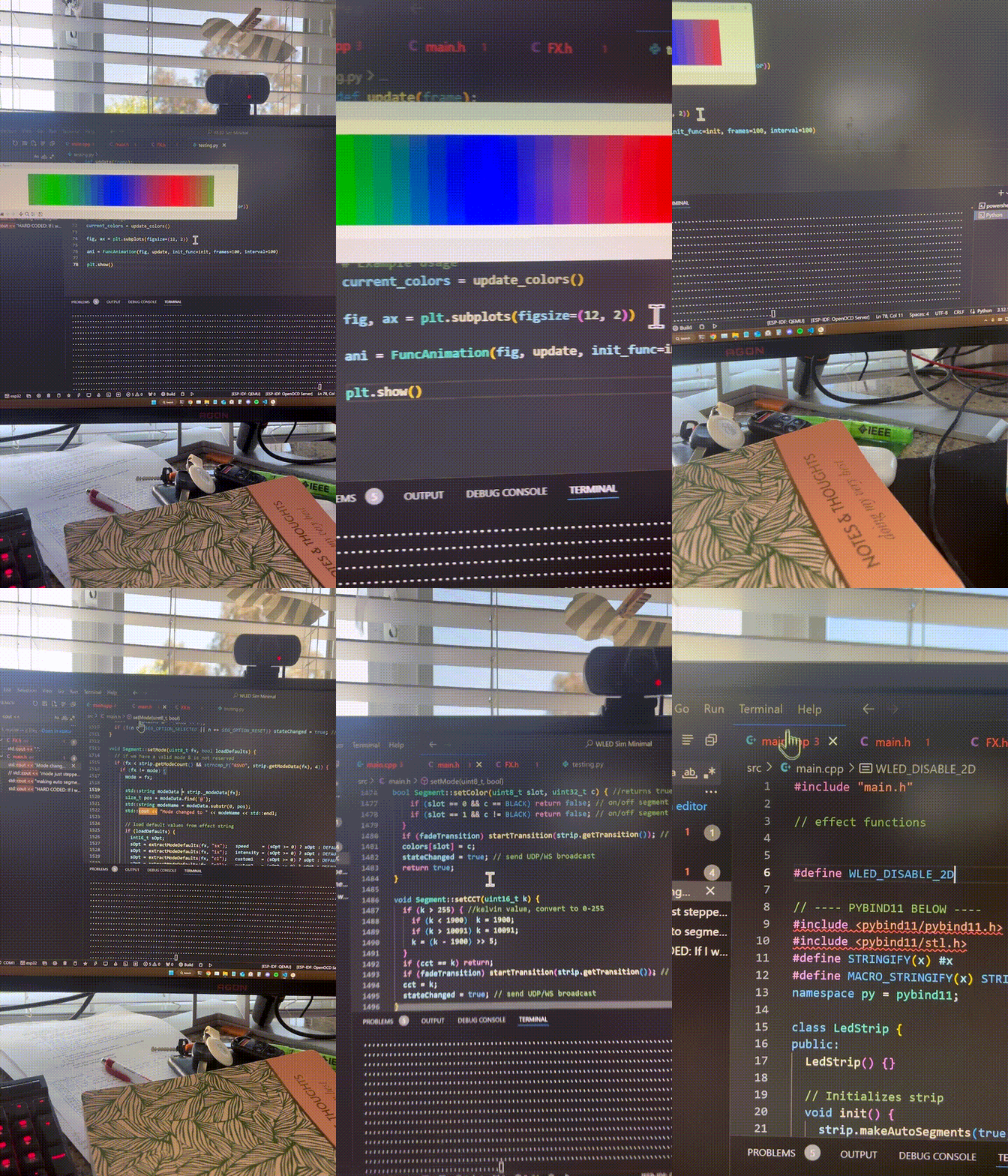
After much research, I discovered PyBind11, a useful little library for Python and C++ 11 interoperability. I could now talk to the small C++ "WLED Simulator" I made using Python and read the outputs. The following videos show the first time I got it working, and the second time, where I adjusted the color gamma correction as I touched on here and the timing, which more closely represents the final desired effect. (The final version of the simulator, with a gamma correction curve, is currently used in production)
JavaScript (+ WebAssembly)
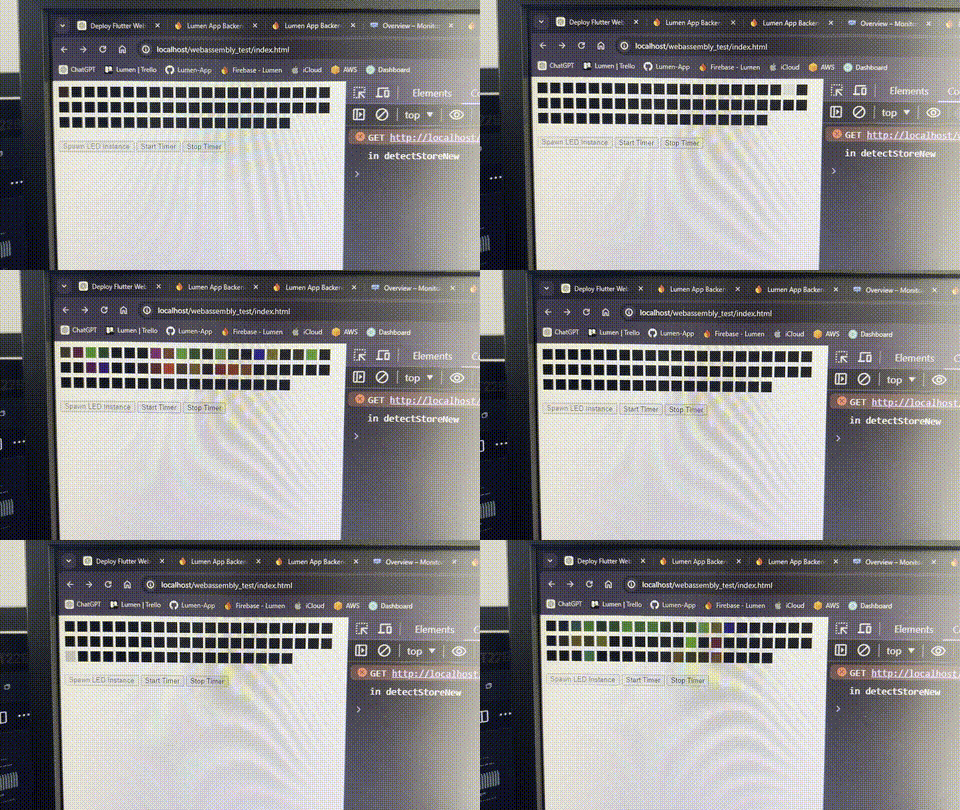
With a google search into my issue, I discovered Emscripten, which I could use to compile the C++ code into a WebAssembly framework. This was much easier than for the python interop, now that I had more experience. It brought its own set of challenges though, and finally I got it done. It's live on my WLED effect database/editor at https://wled.buylumen.com Below you can see the firework effect rendered in the web browser for the first time in my prototype example. (That same webassembly file is now used in production on my website)
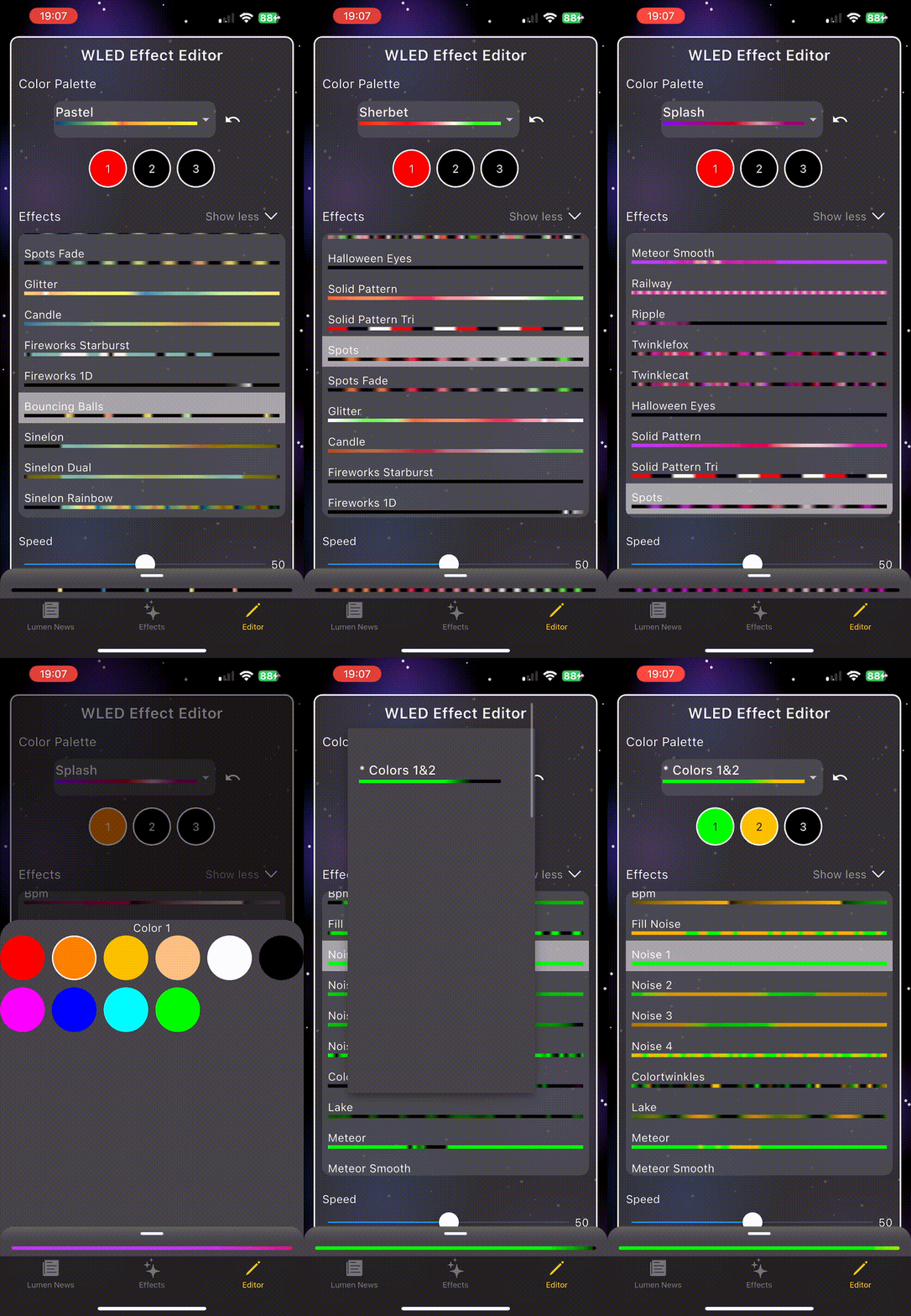
Dart
My final battle was the implementation in Dart. This was the most difficult of my battles, and required tons of research and frustrating back-and-forth using ChatGPT to help debug. Instead of C++ interop, Dart requires C-interop which meant wrapping C++ functions in C. Eventually it too was completed and I was able to see my hard work pay off in my app. Below you can see how the simulated effects are updated in real time with the new parameters selected by the user: